How It Works
- 1. Set volume to 80–100%
- 2. Hold the speaker facing down
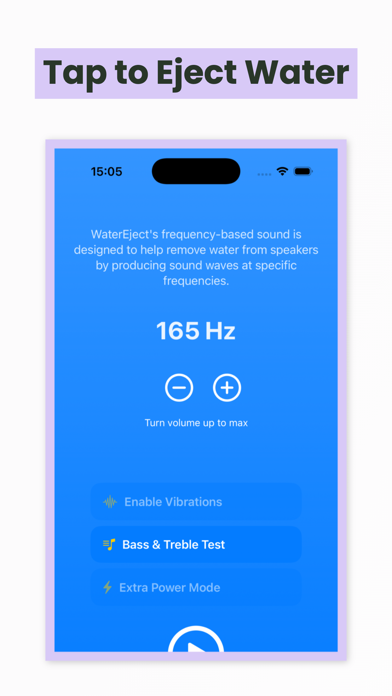
- 3. Open Water Eject Mode → Tap Play
- 4. Run for 10–30 seconds
- 5. Repeat 2–3 times if needed
- 6. Check results with Sound Test
Fix your iPhone speakers and remove water using powerful sound frequencies.
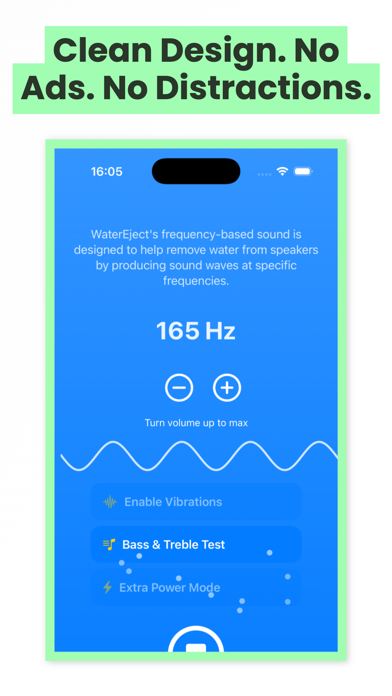
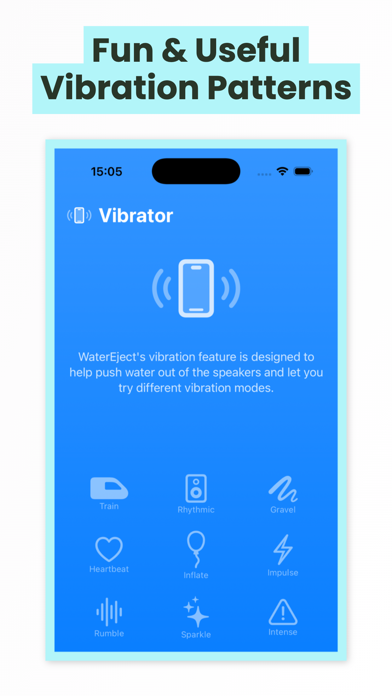
WaterEject helps restore clear iPhone audio by using powerful, calibrated sound frequencies to push water out of your speaker grills. If your phone got wet and sounds muffled, just tap play, turn the volume up, and let the waves do the work—fast, simple, and distraction-free.
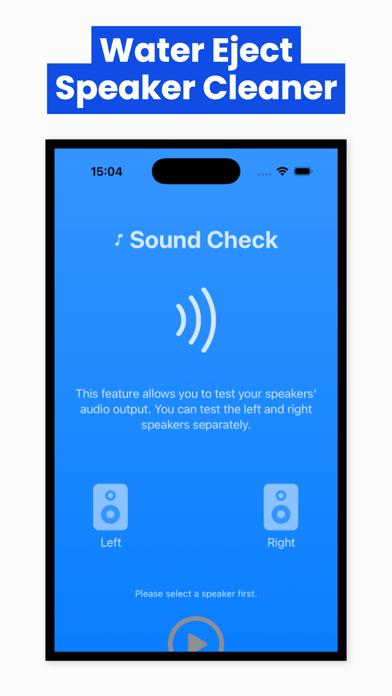
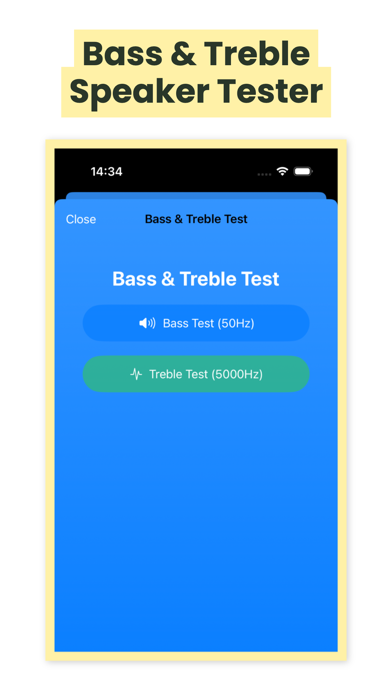
Use Water Eject Mode for water removal, Speaker Cleaner to improve distorted audio, and built-in sound tests like left/right checks plus bass & treble sweeps to verify your speakers are back to normal. No account, no tracking—just a focused tool that’s perfect after the shower, rain, beach, or pool.
Automatically linked content around this app's growth, monetization, and ASO workflow.
Core technologies, platform targets, and release signals for this product.
No—results vary, but it often improves audio by pushing trapped water out of the speaker grill.
Run it for 10–30 seconds, then repeat 2–3 times if needed.
For best results, use high volume (around 80–100%).
The app plays calibrated sound frequencies and doesn’t access hardware directly. If you hear harsh distortion, stop and try again later.
Try repeating the cycle, make sure the speaker faces down, and check that the grill isn’t blocked by dust or debris. If it persists, hardware service may be needed.
We'll adapt your product to your audience. Let's start with a brief call - we'll design it for you.
Book a Call