How It Works
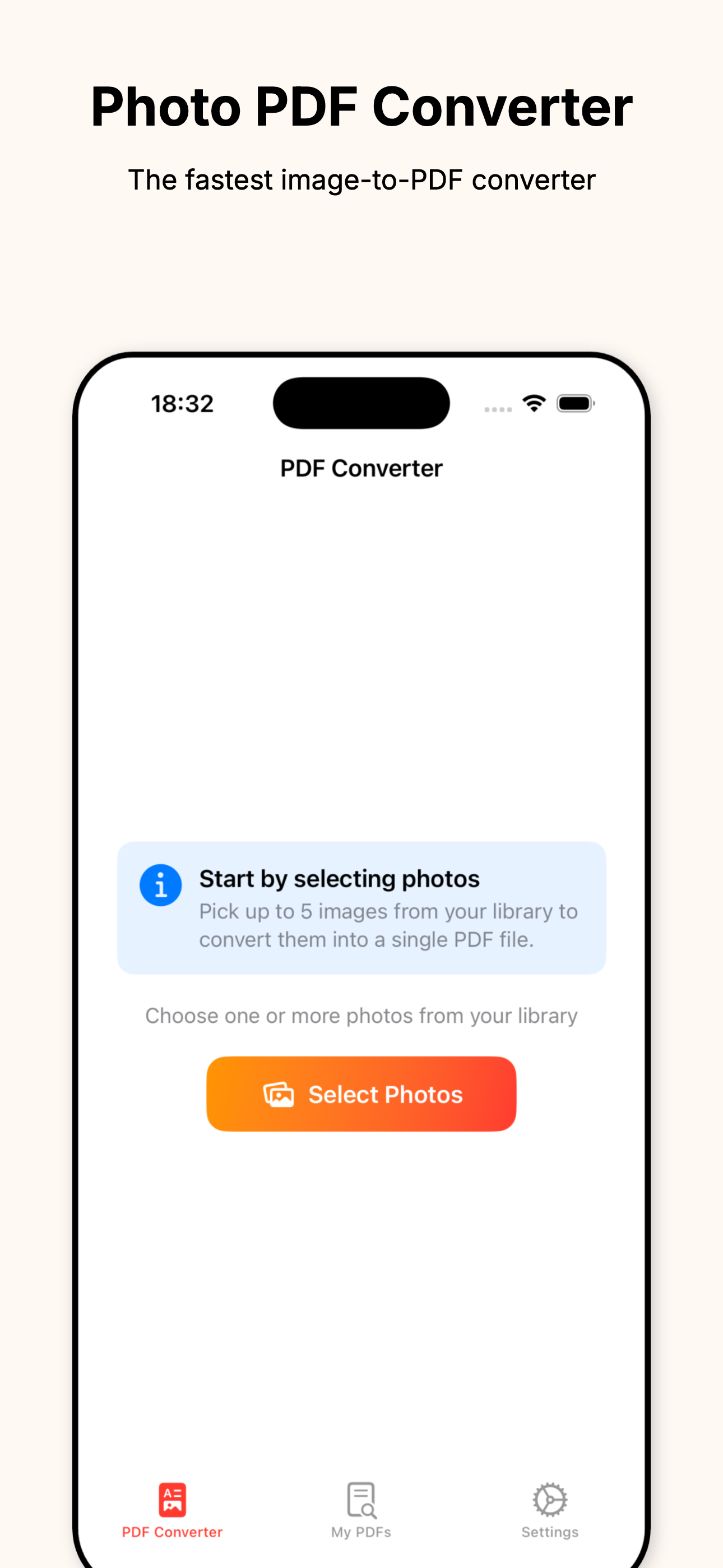
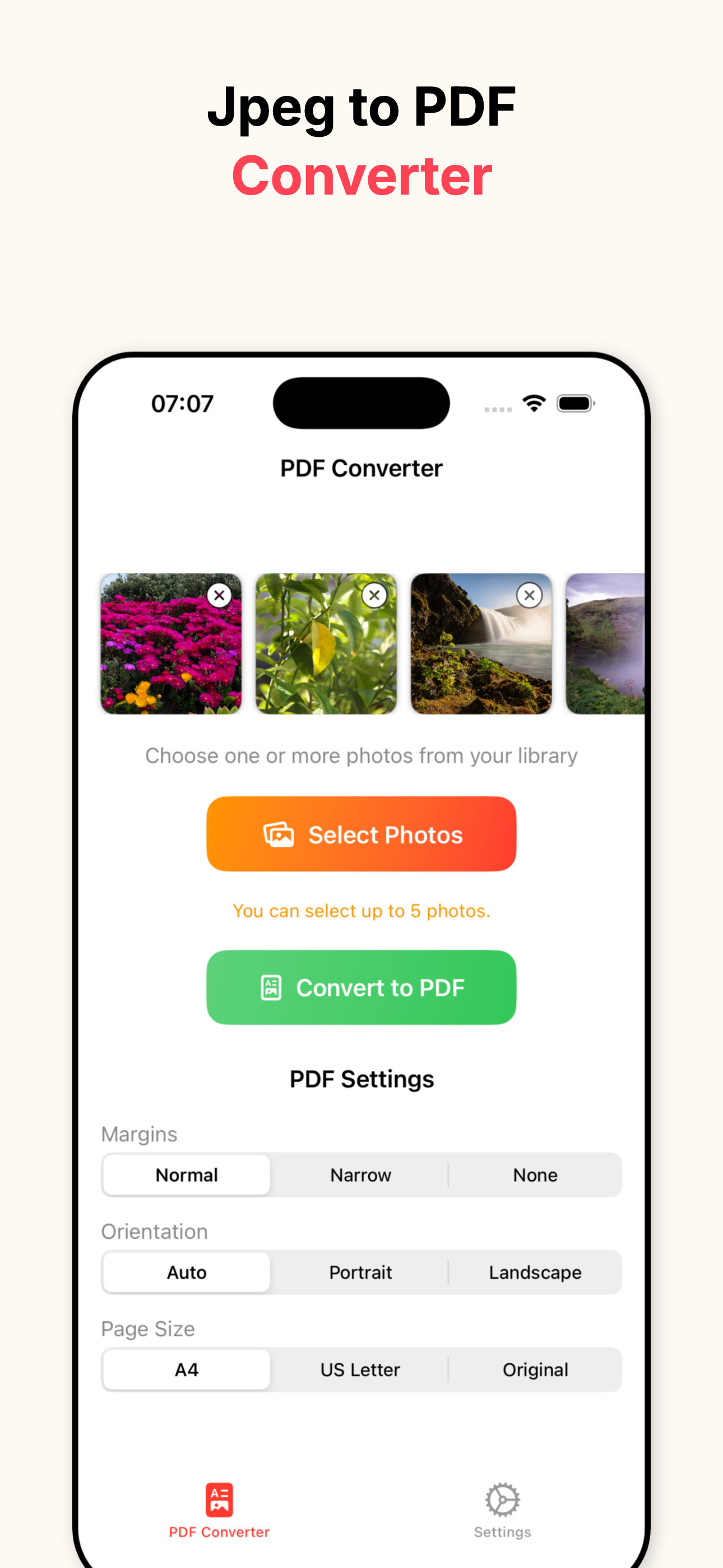
- Select one or multiple photos
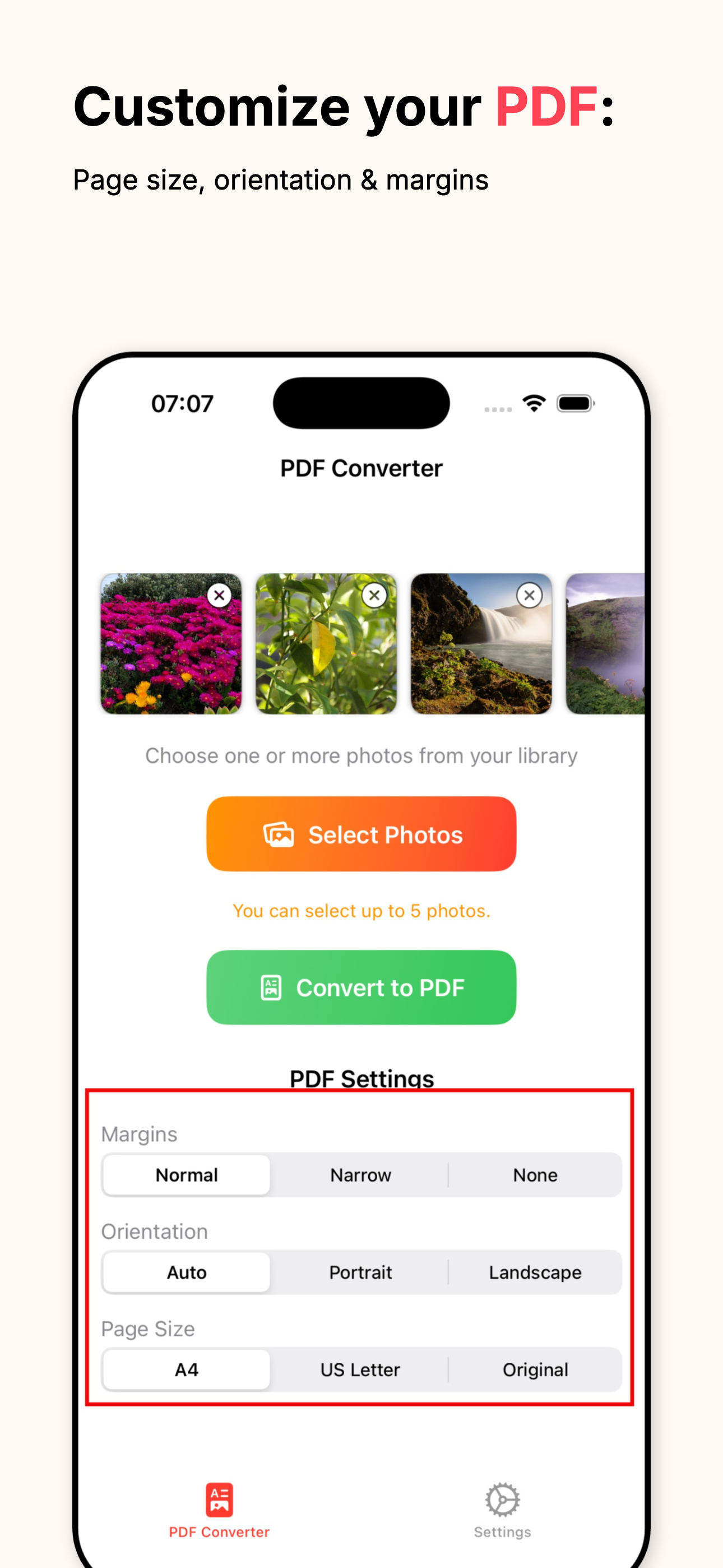
- Choose page size
- margins
- and orientation
- Tap Convert
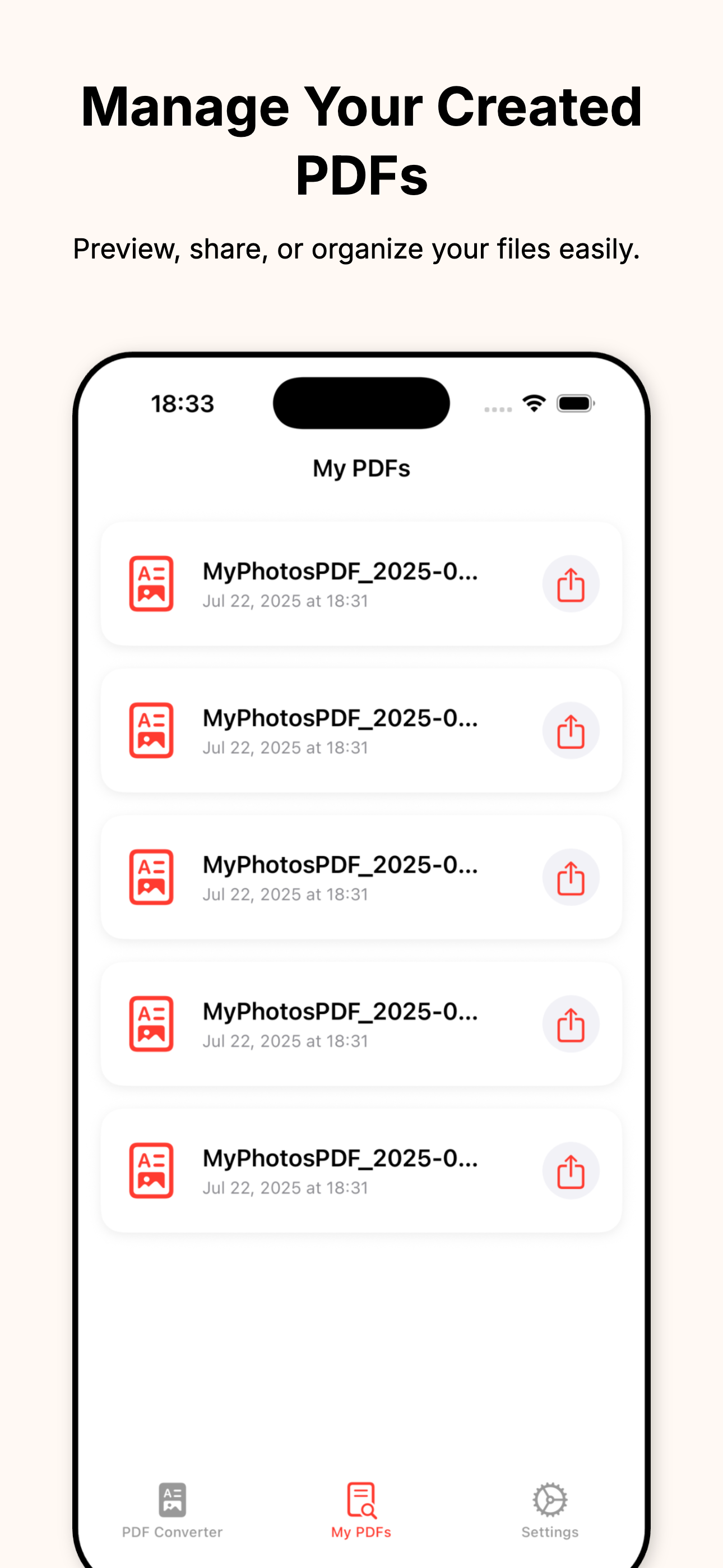
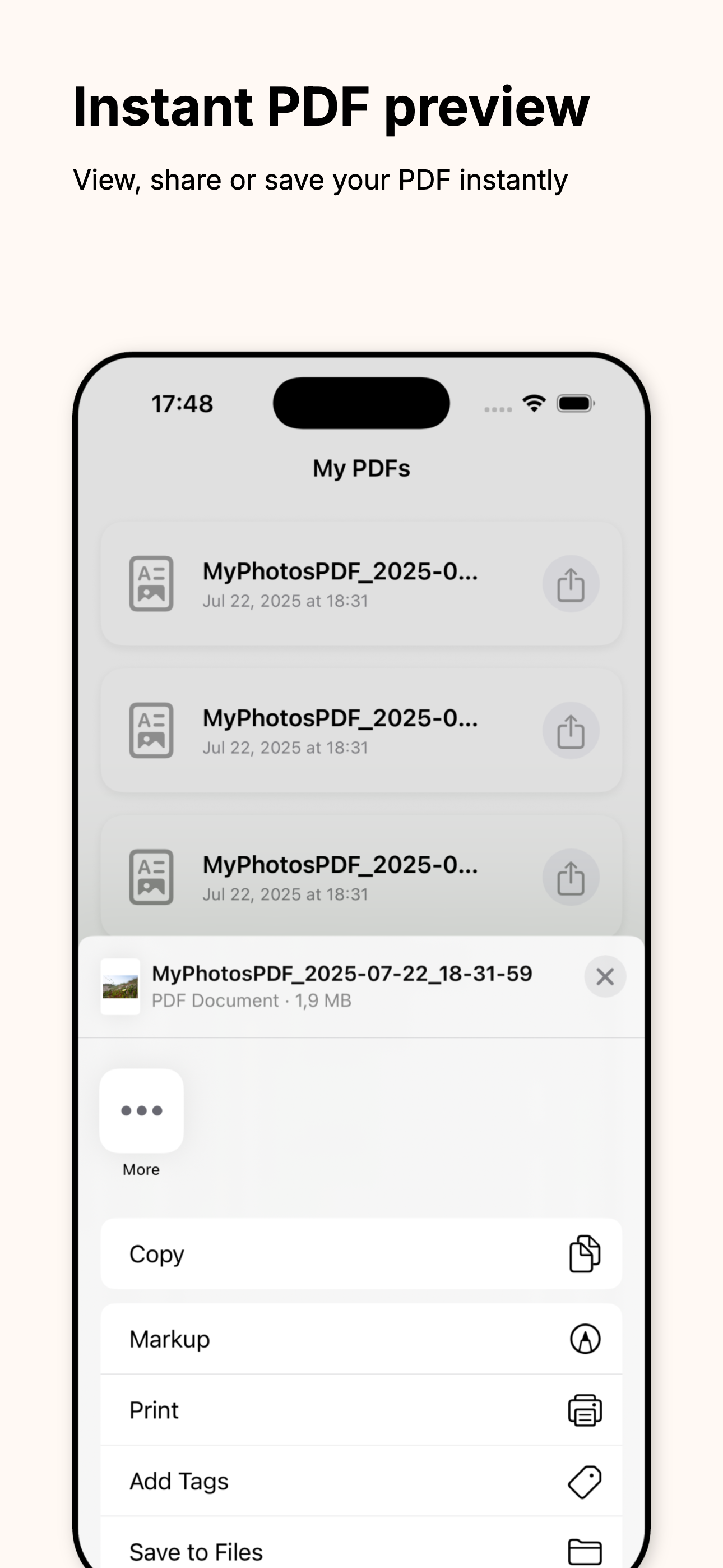
- Preview the PDF
- Share or Save via iOS Share Sheet
- Done — works offline
Convert Picture to PDF is the fastest way to turn photos into clean, shareable PDFs—completely offline. Convert JPG, JPEG, PNG, or HEIC in seconds, with a minimal UI built for speed and simplicity.
Batch select multiple images, adjust page size (A4, US Letter, or original), margins, and orientation, then export instantly via the iOS share sheet. Everything is generated locally on your device—no uploads, no accounts, just private PDF creation.
Automatically linked content around this app's growth, monetization, and ASO workflow.
Core technologies, platform targets, and release signals for this product.
Yes, everything works without an internet connection.
JPG, JPEG, PNG, and HEIC.
Yes—batch select and convert into a single PDF.
No. PDFs are generated locally on your device.
Use the iOS Share Sheet to save to Files, email, or send in any app.
We'll adapt your product to your audience. Let's start with a brief call - we'll design it for you.
Book a Call